
Delimited is a lightweight and intuitive macOS app for viewing, exploring, and editing CSV and TSV files. Whether you need to create new tables or examine existing ones, Delimited will make working with delimited text files easy.
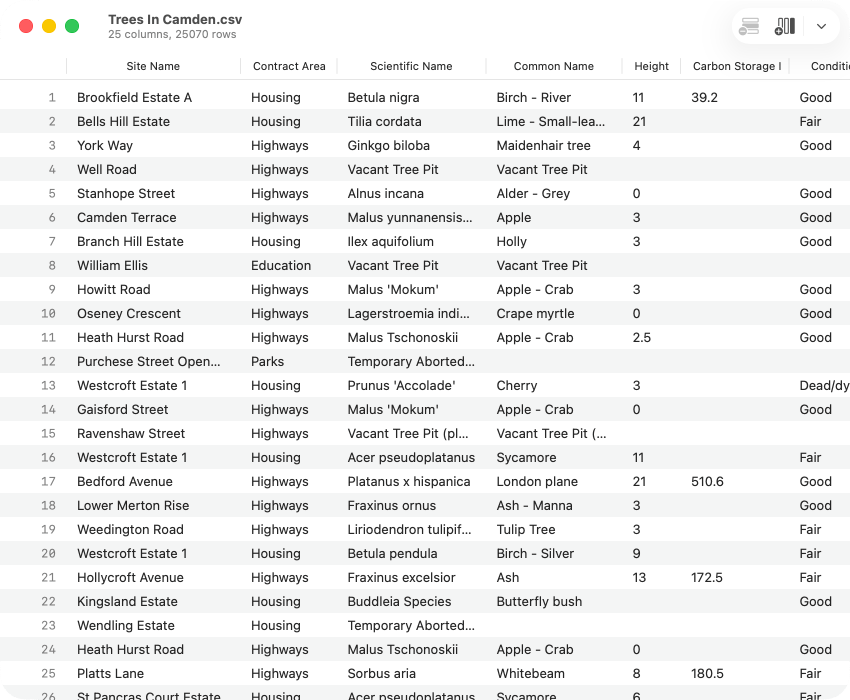
Understand the CSV file format standard
Learn about RFC 4180, the standard defining the structure and rules for creating CSV files to promote consistency across tools and systems. Explore its guidelines to better understand and work with CSV files effectively.
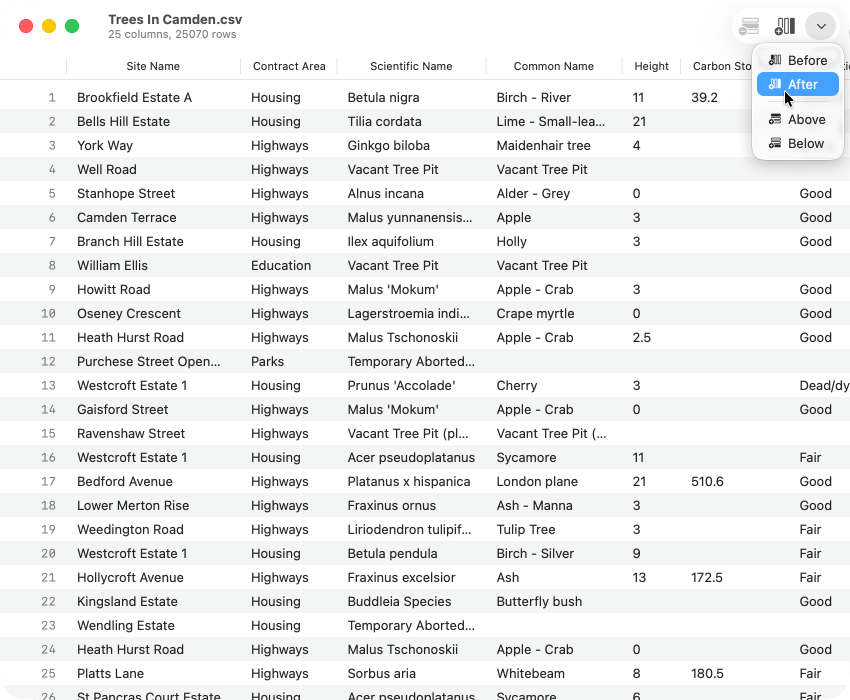
Create and open documents
Learn how to create new tables, open CSV and TSV files, and save your changes. Whether you're editing an existing file or creating something new, Delimited provides straightforward tools for managing your documents.
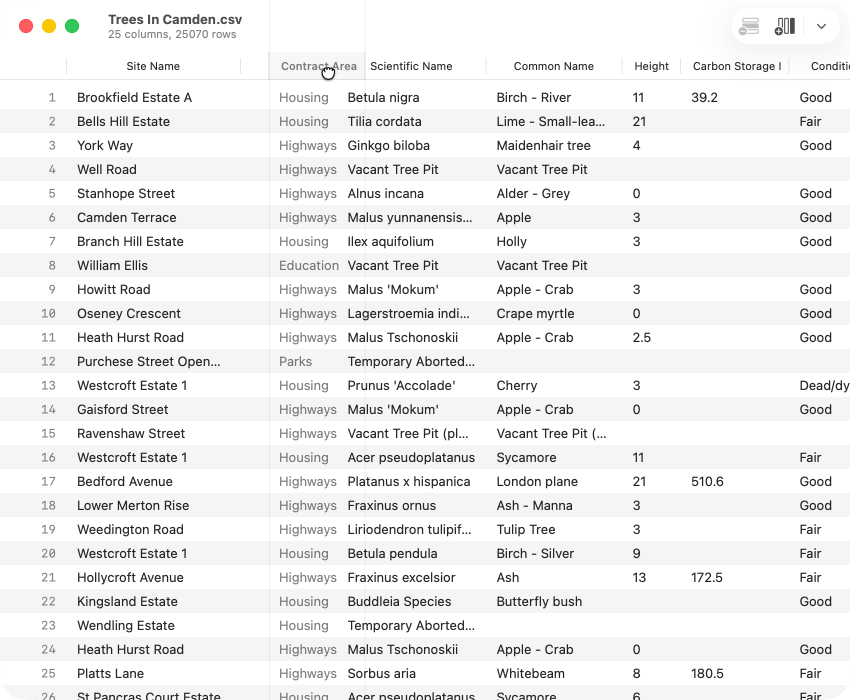
Edit documents
Learn how to find and replace table data, work with column headers, resize columns, rearrange rows and columns, and cut, copy, or paste data.
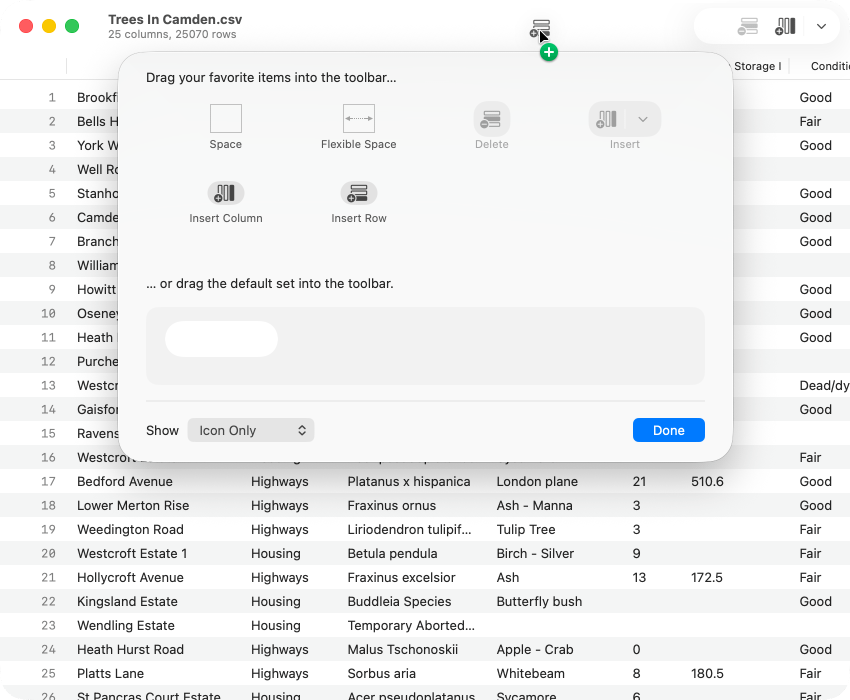
Customize the Delimited interface
Learn how to tailor Delimited's interface to better suit your workflow.